What it is
A project graph
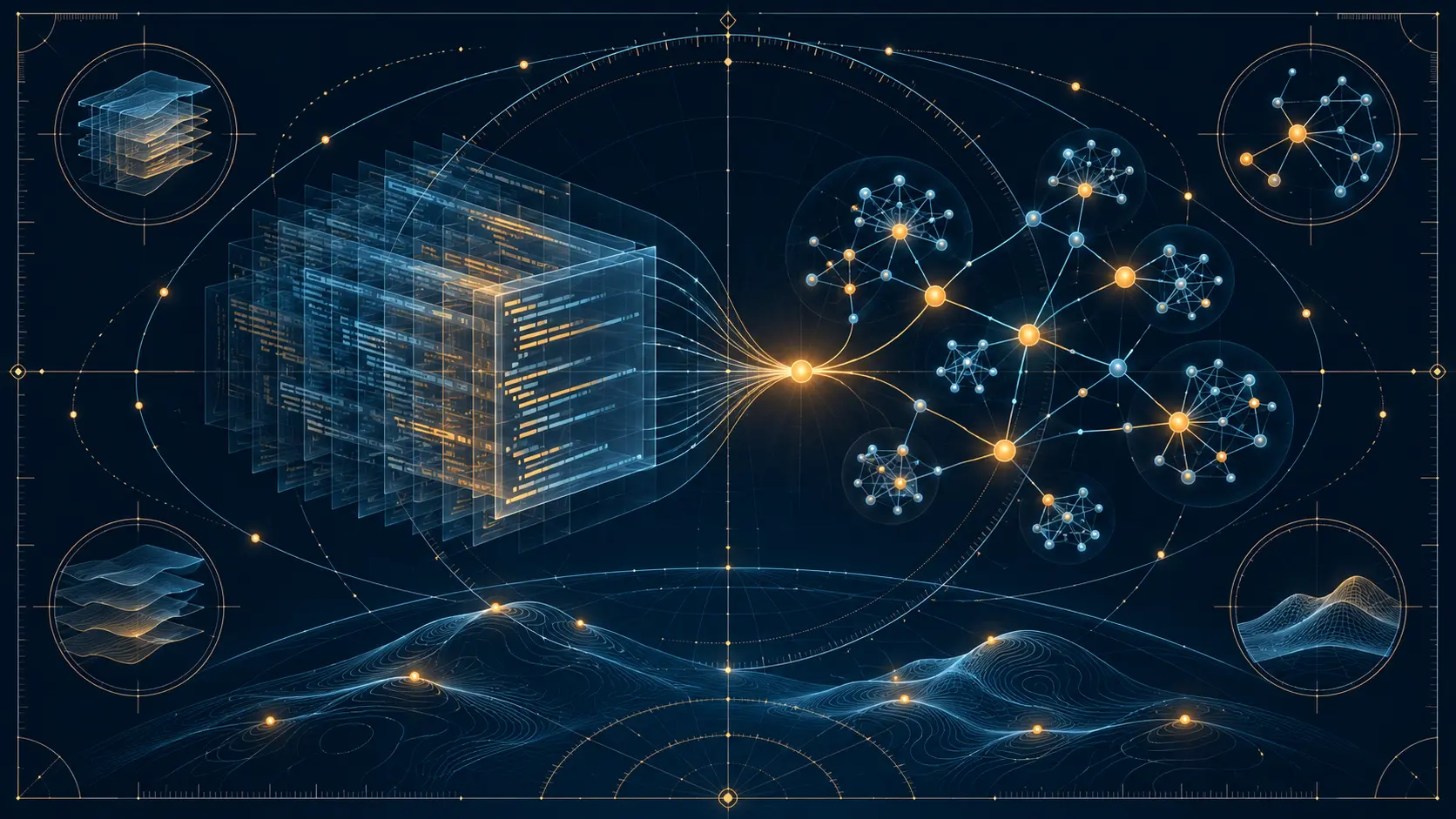
A connected map of files, symbols, dependencies, documentation, and rationale for AI-assisted engineering work.
Graphify is shared codebase context for AI coding agents. It turns source code, documentation, diagrams, PDFs, screenshots, and engineering rationale into a persistent knowledge graph that an assistant can inspect and query. A build produces graph.html for visual exploration, graph.json for tools and later queries, and GRAPH_REPORT.md for a readable architecture summary. The goal is not another chat transcript; it is a durable project map that survives the session that created it.
Published Updated
Graphify stores inspectable artifacts so codebase knowledge can be reviewed by humans and reused by AI coding assistants.
What it is
A connected map of files, symbols, dependencies, documentation, and rationale for AI-assisted engineering work.
What it produces
graph.html, graph.json, and GRAPH_REPORT.md give the same build a visual, machine-readable, and human-readable form.
Why it matters
Agents can ask structural questions without rereading the whole repository at the start of every session.
AI coding assistants are good at reading text and weak at remembering an entire repository between sessions. Graphify creates a stable representation of the project so recurring questions about ownership, dependencies, architecture, and impact can start from the same evidence instead of a fresh scan.
Graphify extracts code structure with tree-sitter and combines it with semantic context from the project. Imports, calls, classes, functions, documents, and other inputs become nodes and edges. Edges carry confidence labels such as EXTRACTED, INFERRED, or AMBIGUOUS so reviewers can see how a relationship entered the graph.
The three artifacts serve different readers. graph.html is the visual map, graph.json is the structured graph for tools, and GRAPH_REPORT.md is a concise architecture report for people. Because they come from the same build, a reviewer can move from a human summary to the underlying node and edge evidence.
An assistant can use the graph as a first stop before editing: find the relevant subsystem, trace callers or dependencies, inspect linked tests, and then open the current source. Hosted Graphify exposes the graph through an MCP server, while the open-source CLI can register a local skill and also expose MCP tools.
Graphify is most useful when the same repository is questioned repeatedly and its meaning is spread across code, docs, diagrams, and decisions. Large services, multi-package repositories, platform code, and inherited projects benefit more than tiny scripts where one file contains the whole answer.
Graphify does not replace the compiler, tests, a debugger, or a human reviewer. A graph can show candidates and relationships; it cannot prove that the current branch compiles, that a path executes at runtime, or that a change is safe. Treat graph output as a map that guides verification, not as the verification itself.
A chat transcript is a record of one conversation. A graph is a structured artifact that can be shared, queried, diffed, and refreshed. Teams can ask different questions against the same build, and reviewers can inspect the relationships that produced an answer instead of trusting an opaque summary.
Vector retrieval finds text chunks that look semantically similar to a query. A code graph follows explicit relationships such as calls, imports, containment, and documentation links. The two approaches answer different questions: retrieval is useful for discovering relevant prose, while graph traversal is useful for explaining how a known symbol or subsystem is connected.
Start with a representative repository and one repeated question. Build a graph, inspect the report, ask the assistant to cite files and symbols, and compare the result with the team's current discovery process. Once the evidence quality is acceptable, add refresh rules and link the graph workflow into onboarding and review.
A confidence label describes how an edge entered the graph, not whether the underlying engineering decision is correct. An EXTRACTED edge should be traceable to source structure; an INFERRED edge reflects semantic interpretation and deserves more scrutiny; an AMBIGUOUS edge signals competing candidates. Reviewers should use those labels to decide where to open source, run the compiler, or ask a domain owner before acting.
Someone must own repository scope, who can build or refresh the graph, where artifacts are stored, which documents may enter multimodal extraction, and how long generated data is retained. Those choices matter more than the first successful demo because a codebase graph contains file paths, architecture, and sometimes design rationale. A short written policy prevents each assistant session from inventing its own data boundary.
A tiny repository may be faster to read directly than to graph. Exact compiler or runtime questions still belong to tsc, language servers, debuggers, traces, and tests. Teams with strict rules against sending project context to an assistant should prefer a local-only configuration and verify every data path. Graphify is also not a real-time source of truth immediately after a change, so release-critical checks must stay in the normal build pipeline.
uv tool install --python 3.12 graphifyy
graphify install
graphify extract . --code-onlyUse Graphify to explain how authentication reaches the billing service. Cite files and symbols, and separate extracted relationships from inferred ones.Graphify Labs publishes an open-source CLI at github.com/Graphify-Labs/graphify and also offers a hosted product with a managed graph, MCP access, Memory, Wiki, and reviews.
Documented code extraction runs locally with tree-sitter. Semantic extraction for documents and media can use the configured assistant model, so teams should review their data policy before adding sensitive inputs.
The official package is graphifyy. The installed command is graphify.
The CLI can build and query graph artifacts directly. An assistant makes the graph more useful for conversational architecture and impact questions.
Start with GRAPH_REPORT.md for orientation, then use graph.html for visual inspection and graph.json when you need structured queries.
Yes. Documented inputs include docs, PDFs, diagrams, screenshots, and transcripts in addition to source code, depending on the installed extras and model configuration.
The open-source CLI can build and query local graph artifacts without a hosted Graphify account. Configuration and optional semantic extraction still depend on the installed extras and model settings. Teams that need a managed index or hosted MCP should evaluate that product separately rather than assuming the local workflow includes those services.
Capacity depends on the installed version, parser coverage, excluded paths, extraction options, and the machine running the build. Start with the full repository if practical; otherwise exclude generated outputs and build an initial slice. Measure build time and artifact size on the largest representative project before standardizing a team-wide workflow.
Rebuild or update after structural changes such as package moves, new services, interface changes, and large documentation edits. Small text-only commits rarely justify a new graph. Always record the source revision so an assistant does not present an older map as the current branch, and refresh before an architecture review or migration decision that depends on the structure.
Continue through the Graphify topic cluster with pages that explain assistant context, architecture review, documentation, and graph-based codebase understanding.
Codebase knowledge graphs for AI assistants
Learn how codebase knowledge graphs connect source files, docs, diagrams, and rationale so AI coding assistants can answer with structure.
How to install Graphify and build a code graph
Install Graphify, generate your first code knowledge graph, query it from an AI assistant, and keep the graph fresh with update, watch, and hook workflows.
Graphify alternatives for codebase context
Compare Graphify alternatives by workflow: project graphs, code retrieval, repository packing, enterprise search, and deep static code analysis.
Codebase memory MCP for AI coding agents
Understand codebase memory MCP: how code graphs become agent tools, what to verify, and how Graphify compares for persistent project context.
Monorepo codebase context for AI coding agents
Build monorepo codebase context with package boundaries, dependency paths, graph artifacts, and refresh rules so AI agents can navigate large repositories.
Start from the use cases page or upload a project ZIP to build a graph that your team can inspect and reuse.